What defines the best backup for businesses?
Choosing the best backup solution for businesses isn’t about finding the cheapest or most “modern” option on paper. It’s about finding a solution that protects critical data, allows for quick recovery, and makes sense for the size, risk, and routine of the operation. For a management team, this means thinking about business continuity, not just storage. For a practical guide on how to reduce costs and ensure continuity in SMEs, see Backup and Recovery: A Practical Guide to Reducing Costs and Ensuring Continuity in SMEs .
The starting point is simple: the right backup needs to reduce the chance of permanent data loss, shorten downtime, and protect the company against human error, attacks, and system unavailability. When the strategy is well-designed, recovery ceases to be a desperate race and becomes a predictable process. In corporate environments, this makes a direct difference to cash flow, productivity, and customer confidence.
It’s also important to distinguish between “having backups” and “having a backup strategy.” Many companies believe they are protected because they make automatic copies on a server or in a cloud service. However, backups without a retention policy, without restore testing, and without a clear definition of priorities are little more than hope in technology. The cost of cloud backup only makes sense when you can see what is being protected and what real losses would be avoided.
How to assess security, availability, and recovery time before hiring.
Before comparing prices, compare responsiveness. What does the company need to recover first? Shared files? Databases? Virtual machines? Financial systems? And, most importantly, how quickly?
This is where concepts like RPO and RTO come in. RPO is the amount of data you are willing to lose between backups. RTO is the maximum time to get everything back up and running after a failure. If operations are down for an hour and this causes significant losses, the backup needs to be designed for a much faster recovery than generic solutions usually deliver.
Security is also a major factor. Mature solutions typically include encryption, access control, configurable retention, and mechanisms to protect against unauthorized deletion. Market platforms offer features such as incremental storage, recovery points, and, in some cases, cross-region restoration or copies in peered regions to increase resilience. Microsoft, for example, emphasizes that backup, retention, and redundancy policies directly influence cost, durability, and restore speed. AWS also recommends defining backup plans with retention and lifecycle strategies to balance protection and cost.
For managers, the practical question is different: can this solution withstand the impact of a bad Monday? Imagine a ransomware attack, an accidental deletion, or the failure of a main server. If the answer is “maybe,” the risk remains too high. Solutions with good recovery and incremental storage capabilities help reduce restoration costs and time, but the policy needs to be aligned with the company’s actual usage.
How to calculate the cost of cloud backup without underestimating your budget.
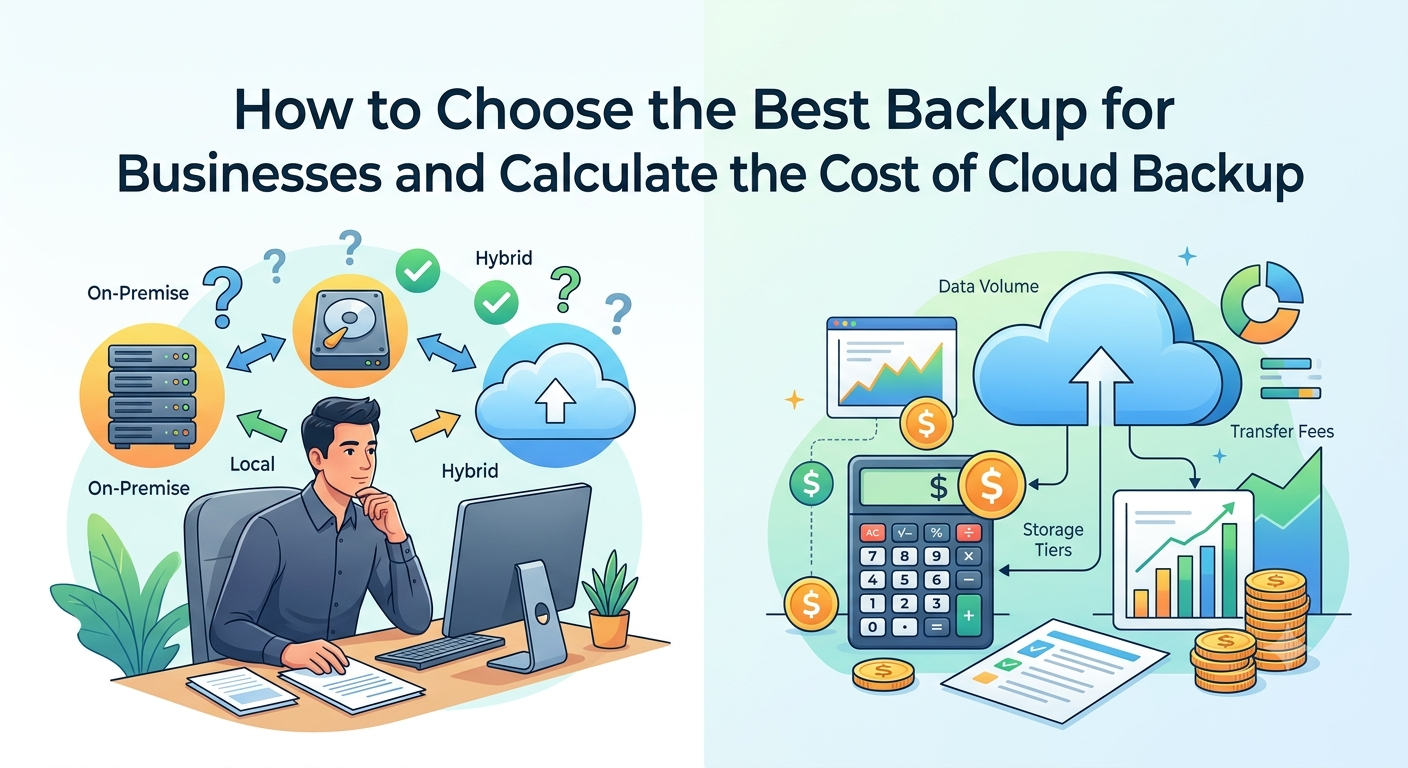
The cost of cloud backup is often underestimated because many people only look at the price of storage per gigabyte. In practice, the final cost depends on several factors: protected volume, data change rate, backup frequency, retention time, storage type, restoration cost, and, in some cases, data transfer or cross-region recovery policies. Provider documentation itself shows that the calculation is not linear and varies according to retention, churn, and the chosen tier. A practical comparison between cloud services and on-premises solutions can help determine the balance between cost and continuity: Cloud Backup and Recovery Services vs. On-Premise for SMEs: Cost and Continuity .
If a company has databases or files that are constantly changing, consumption increases because more new data needs to be maintained. If retention is long, the cost goes up. If high availability or a copy in another region is required, the budget increases again. And if restoration needs to be done frequently, this can also influence the bill, depending on the platform and architecture adopted. AWS, for example, warns that retention that is too short can even generate the need for full backups more frequently, which makes the process more expensive.
The factors that most influence the monthly price of backup.
The first factor is the volume of data that actually needs to be protected. This isn’t just the total data on the server or in the cloud, but the entire set of systems, databases, VMs, and files that need to be included in the scope.
The second factor is the rate of change of the data. In incremental backups, the system only saves the changes after the first copy, which improves efficiency. AWS describes this model as a way to protect frequently without inflating storage as much, while Microsoft also explains that the cost depends on the size of the data and churn.
The third factor is retention. Keeping copies for weeks, months, or years is different from keeping them for just a few days. The longer the retention window, the greater the need for historical storage and the higher the total cost. In many environments, the most expensive part is not the initial backup, but the accumulation of copies over time.
The fourth option is the chosen storage tier. There are scenarios where it makes sense to use standard storage for quick restoration; in others, it’s worthwhile moving older copies to a more economical tier. Some services offer tiering or cold storage, but this requires attention because the restoration process can be slower, and not all backup types support all tiers.
Finally, there’s the recovery structure. Resources like instant restore, backups in another region, and vaults with additional protection help with continuity, but they also influence the bill. The right decision is always the one that balances monthly cost with acceptable risk. For a company with critical operations, paying less and recovering too late usually ends up being much more expensive.
Step-by-step guide to comparing backup options and choosing the one best suited to your operation.
Start with the inventory. List servers, critical desktops, databases, shared files, cloud applications, and legacy systems. Without this, you’re buying protection blindly. Then, classify each asset by criticality. What can be down for a few hours? What needs to be back online in minutes? What requires retention due to tax, legal, or operational requirements?
Next, define recovery objectives by system group. This step is often overlooked, but it’s what separates a generic backup from a corporate strategy. An ERP system cannot have the same policy as a folder of internal documents. A transactional database requires a different frequency. A project file database may accept a different approach.
Next, compare the offers by looking at three layers simultaneously: protection, recovery, and cost. Protection addresses how secure the data is. Recovery addresses how quickly the company can get back up and running. Cost addresses the monthly impact and the cost of restoration. If a solution is cheap but doesn’t deliver reliable recovery, it doesn’t meet the business needs. If it’s technically excellent but unnecessarily exceeds the budget, it’s also not suitable.
To simplify the analysis, it’s helpful to use a comparative approach like this:
After that, perform a reality check. Simulate a minor failure and a major failure. Restore a file that was accidentally deleted, then a dataset or a virtual machine. Mature backup services often allow recurring restores with no practical usage limit, and the documentation from some providers shows that the important thing is not just to create recovery, but to validate that it works even under pressure.
Finally, compare with a 12-month perspective, not just the current month’s bill. The backup that seems expensive today may be the most economical in the year, if it reduces downtime, speeds up recovery, and prevents data loss. In a business environment, this is worth much more than a small saving on the contract.
How to implement, test, and review your backup strategy consistently.
Implementation needs to start with a basic rule: backup is not a one-time project, it’s an ongoing process. The first step is to define who is responsible for what. IT can handle the routine tasks, but management must validate criticality, budget, retention, and restoration priority. Without this governance, backup becomes an invisible service until the day it fails.
Then, create different policies for different needs. Production environments may require higher frequency and more careful retention. Test environments may use more economical policies. In technical documentation from major providers, the recurring recommendation is to adjust policies, execution windows, and backup distribution to avoid peaks and reduce the impact on systems. Microsoft, for example, advises scheduling backups during off-peak hours and distributing workloads throughout the day.
Next, test a real restore. It’s not enough to see if the backup “completed successfully.” You need to know if the restore works, if the data is recovered intact, and if the operation can resume work within the expected timeframe. It’s common for companies to discover too late that they had backups but no recovery capabilities. And that changes everything.
It’s also worth reviewing the policy periodically. Has the company grown? Has a new system been implemented? Has the volume of data skyrocketed? Has the risk increased? Then the backup needs to keep up. In corporate platforms, retention, redundancy, and tiering can be adjusted over time, and that’s good—as long as someone is looking at the big picture, not just the monthly fee.
There’s another strategic point that many managers ignore: a well-executed backup isn’t just for putting out fires. It sustains continuity, reduces pressure on the internal team, and protects the business against events that, sooner or later, will happen. If there’s ransomware, human error, power outage, bank corruption, or accidental deletion, a company with a mature strategy suffers less. And recovers better.
If your priority is operational security, cost reduction, and greater predictability, the decision shouldn’t be limited to “how much does it cost to store the data.” The right question is: how much does it cost to be without it?
And when you do the math, you’ll realize that the best backup for businesses is one that combines real protection, fast recovery, and a cost that matches the operation. The rest is just storage.
If you’d like, I can also transform this content into a more commercial version, with a ” Request Contact” CTA , or adapt the text for a landing page focused on selling services.