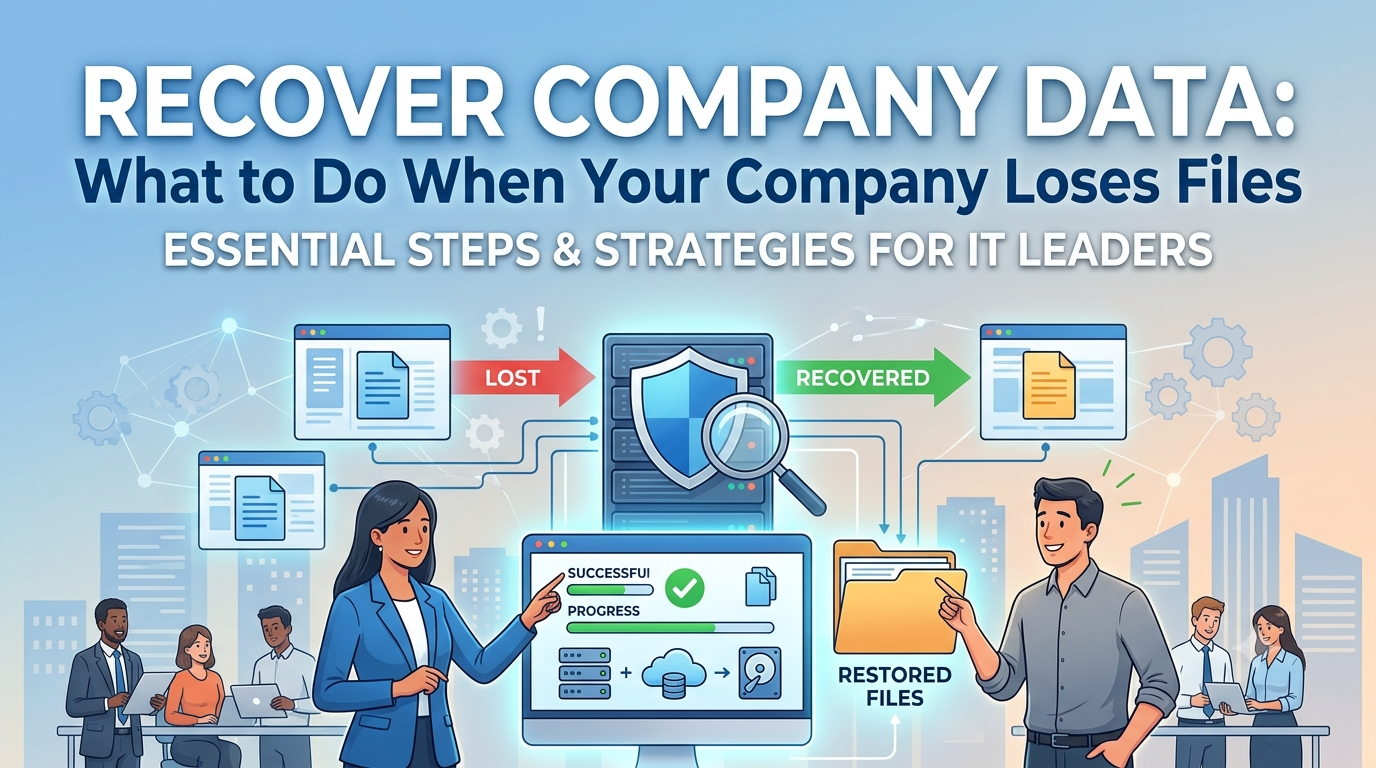
How to recover company data: what to do in the first few minutes after losing files.
Losing company files is frightening because the damage is never just technical. It’s operational, financial, and, in many cases, reputational. When a document disappears, a system crashes, or an entire folder vanishes, the natural reaction is to impulsively try to open, copy, restore, or ask for help. But the first few minutes determine how much can still be recovered without further damage.
If your team notices data loss, the first rule is simple: stop writing to the affected disk or environment . Every new file saved, every automatic synchronization, every improvised attempt to “see if it comes back” can overwrite information that was still recoverable. In ransomware cases, CISA recommends maintaining offline backups and frequently testing their integrity precisely because connected backups can be affected along with the main system.
In practice, what should you do first? Isolate the affected equipment or server, disconnect from the network if an attack is suspected, record the time of the failure, identify who was using the system, and avoid repeatedly restarting without a plan. If the data loss occurred in corporate software, ideally you should find out if the problem lies in the file, the database, cloud synchronization, or user access. If it was on a local computer, the focus shifts to avoiding any unnecessary data saving. This discipline makes the difference between recovering recent versions and permanently losing data.
It’s also important to carefully define the scope. Was it a file? A folder? An entire system? Did the error result from manual deletion, human error, corruption, power outage, or attack? The answer changes the recovery path. In a company, this quick diagnosis avoids a common mistake: trying to solve everything with the same tool. Not every file loss requires recovery software. Not every restoration should start from the same point.
Why did the company lose data, and what signs indicate deletion, corruption, or attack?
Not every data loss seems like a security crisis at first. Sometimes the file disappeared by mistake. Sometimes it was moved to another location. Sometimes cloud synchronization replaced the correct version with an incorrect one. In other cases, however, the scenario is more serious: system corruption, storage failure, mass deletion, or ransomware.
The signs help distinguish a simple outage from a larger incident. If files appear with strange names, different extensions, unreadable content, or payment messages, the likelihood of an attack immediately rises. If multiple users report that folders have disappeared at the same time, the problem is likely not isolated. If slowness becomes abnormal, services crash, or backups are also affected, there is a chance of broader infrastructure involvement. CISA advises organizations to examine logs, detection systems, and signs of precursor malware to better understand the extent of the incident and prioritize proper restoration.
Another important point is the difference between deletion and corruption. In deletion, the data may still be physically recoverable for a while, especially if the disk hasn’t been used much since the failure. In corruption, the file exists, but it may not open or may have been damaged by a system error, abrupt shutdown, or hardware failure. In an attack, the attacker’s goal is usually to block recovery, including deleting or encrypting accessible backups. Therefore, the correct strategy involves locating the source of the loss before any aggressive restoration attempt.
For managers, this is the time to ask a pragmatic question: is the business at a standstill, or was only a subset of data affected? The answer defines priorities. CISA recommends that, in ransomware recovery, companies classify critical systems, rebuild them on a clean network, and restore first what sustains operations, revenue, and security.
How to recover files safely without worsening data loss.
Whether the data loss involves a local computer, a file server, or a workstation, secure recovery begins with method, not haste. The first attempt should always be as conservative as possible. If there is a recycle bin, version history, snapshots, automatic backups, or cloud backups, use these before any deep recovery tools. In many corporate environments, especially in Microsoft 365, restoration can be done from built-in backup and retention mechanisms designed for accidental deletion, ransomware, and malicious overwriting (see more in Backup & Recovery ).
When the source is on local storage or a physical disk, the recommendation is to avoid installing software on the same affected volume. This reduces the risk of overwriting blocks that still contain recoverable data. If the operation is critical, the safest approach is to create a disk image before any more aggressive intervention. In a company, this also aids in auditing and traceability of what was attempted.
There are cases where the user can restore previous versions themselves with the support of the IT team, and there are cases where the best course of action is to call in a forensics or data recovery specialist. This happens especially when there is a disconnect between a technical failure and a security incident. For example: a directory disappeared, but there was also an alert of suspicious access. In this scenario, attempting to restore without containing the attack vector can reinfect the clean environment. CISA recommends exactly this precaution: restoring from offline backups and avoiding recontamination of systems during the return to operation.
A practical way to decide the next step is to observe where the data resided before it disappeared. If it was in a synchronized folder, check the cloud’s history and version control. If it was in email or collaboration, review the platform’s retention. If it was in a database, check for consistent snapshots, recent exports, or transactional backups. If it was on a file server, assess whether the backup covers that point in time and whether the restore was tested beforehand. NIST and CISA emphasize that backups and restores need to be planned and tested regularly, because backups without testing often fail at the worst possible time.
If you had to summarize the rule in one sentence, it would be this: a quick recovery is good; a proper recovery is better . Haste without control often costs more than a slower, safer recovery.
When to trigger backup, cloud, snapshots, or a disaster recovery plan.
This is where many companies waste precious time. They treat backups as if they were a single file and not as part of a strategy. In practice, recovery can come from several layers: local backup, cloud backup, snapshot, system retention, VM mirror, golden image, database export, or disaster recovery plan.
If a backup exists, the next step is to verify three things: what was saved, when it was saved, and whether the backup is complete. An old backup might restore operations, but with considerable loss of recent data. A corrupted backup, on the other hand, might appear valid until the moment of restoration. Therefore, Microsoft defines RPO (Recovery Point Objective) as the recovery point that determines how much data the company is willing to lose after an attack or failure. This metric needs to be aligned with the business, not improvised. For a practical guide on backup and recovery in SMEs, see Backup and Recovery: A Practical Guide to Reducing Costs and Ensuring Business Continuity in SMEs .
For cloud environments, snapshots and version retention can be a lifesaver when the error is recent. But there are also limits. If the attack remains in the environment for too long, the attacker can delete or compromise accessible backups. That’s why CISA emphasizes offline, encrypted backups that are tested in disaster scenarios. In other words: it’s not enough to “have a backup”; it needs to survive the same incident that brought down the main environment.
The decision to activate a disaster recovery plan makes sense when the loss is not isolated. If multiple systems are affected, there is prolonged downtime, or there is a risk of reinfection, the focus shifts from “recovering a file” to “restoring operations.” CISA recommends prioritizing critical services, identifying what has not yet been impacted, and recovering on a clean network to reduce downtime and avoid rework.
In companies that rely on Microsoft 365, for example, restoration can be faster when the environment has already been prepared for this type of incident. The platform’s own documentation highlights that corporate backup is designed for accelerated recovery in scenarios such as accidental deletion, overwriting, and ransomware.
If the scenario is broader, it’s worth thinking like a manager, not just a technician: how much does each hour of downtime cost? Which areas cannot wait? What data needs to come back first to unlock revenue, customer service, and operations? This answer organizes the entire recovery process.
How to prevent the company from losing data again and ensure operational continuity.
Recovering data solves the incident. Preventing it from recurring solves the business problem. And this is where the company’s maturity truly shines. Organizations with structured backup policies, regular testing, and response plans can drastically reduce the risk of permanent data loss and shorten downtime. CISA and NIST are consistent on this point: offline backup, restore testing, response plans, and prioritization of critical assets are part of the basics that need to exist before a crisis.
The first preventative step is to move away from “convenience” backups and towards operational backups. This means defining frequency, retention, copy location, who is responsible for testing, and a validation routine. If the company doesn’t test the restore process, it doesn’t know if the backup works. And if it doesn’t know, it’s taking too high a risk for a corporate structure.
The second step is to protect the backup itself. Maintaining offline or immutable copies, separating credentials, avoiding leaving external drives connected all the time, and limiting administrative access are essential practices. CISA warns that external drives left connected can be affected by ransomware, and that exposed backups are frequent targets for deletion or encryption.
The third step is to treat recovery as a process, not an event. This includes inventorying critical systems, simple documentation of what to do in case of loss, clear internal communication, and periodic simulations. NIST highlights the importance of planning, implementing, and testing the backup and restore strategy to accelerate recovery when an incident occurs.
For leaders and managers, the logic is straightforward: the more mature the preparation, the lower the cost of disruption. Less rework. Less fines. Less loss of contracts. Less dependence on a single server, computer, or user. And, in companies that handle sensitive data or ongoing operations, this also means greater security against ransomware and more business continuity.
If your company has lost files recently, the right decision is to act methodically and quickly. If you haven’t lost any yet, now is the best time to review backups, validate restoration, and structure a real business continuity plan. Contact the right team, align your protection strategy, and stop relying on luck to keep your company’s data safe.
Also Read : How to Choose the Best Backup for Businesses and Calculate the Cost of Cloud Backup
